Engineering that connects the details
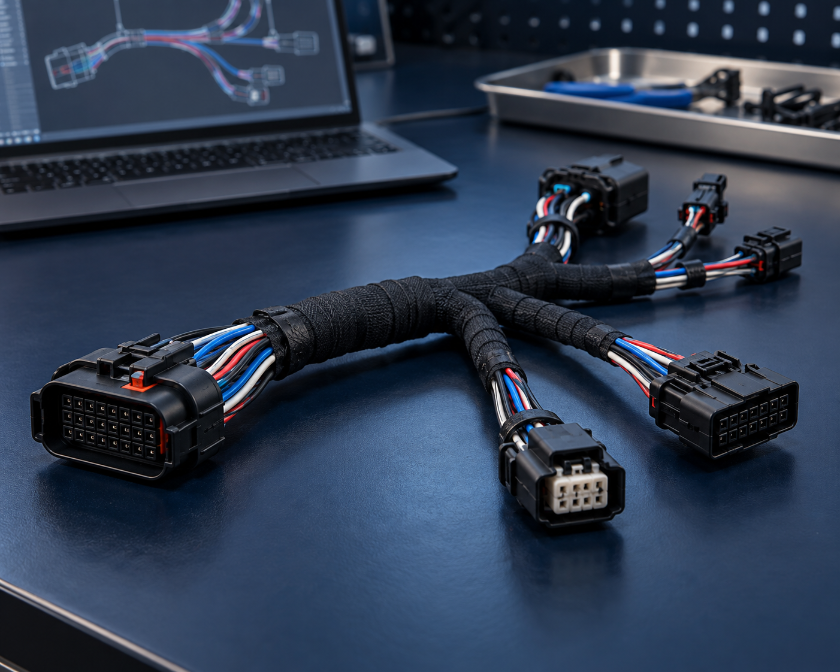
Keep requirements, connections, routing, drawings, and bills of materials aligned as the design develops.
 Breeden Wiring SystemsStart your project
 Harness engineering · Software · Prototypes
BWS helps OEMs and equipment teams turn requirements, schematics, and CAD into connected harness drawings, parts lists, and manufacturing information. Engage us for a focused engineering task, software support, or continuity through prototype and production handoff.
For energy, industrial equipment, mobility, and robotics programs. Based in Greenwood, Indiana; working as an extension of your team.
Start with your goal
Bring an idea, a sample, or an existing design. Choose the result you need; BWS helps define the work behind it.
Engineering Base and connected data
AUCOTEC Engineering Base software support, training, and workflow development, grounded in practical harness engineering.
Requirements, connections, routing, drawings, and parts information that work together.
Explore design support → 02Prototype support to learn from fit, assembly, installation, and testing.
Explore prototype support → 03Connect the design package to sourcing, manufacturing preparation, and the right production path.
Explore supply planning → 04Understand what changed, identify open questions, and carry corrections into the design.
Explore problem and change support →Still defining the project? We can start with the questions you have.
Help me define the path →How BWS helps
BWS leads engineering and software support. Prototype builds answer design questions; recurring production follows a customer-selected or project-qualified manufacturing path.
Keep requirements, connections, routing, drawings, and bills of materials aligned as the design develops.
Build a repeatable workflow around your engineering tools and harness information. Start with a specific software, training, or data problem.
Use physical builds to resolve fit, assembly, and test questions. Carry the findings into information your selected manufacturer can use.
Vision 2035 · BWS and WireHarness.ai
WireHarness.ai is a BWS initiative and the developing front door for connected harness services. BWS provides engineering, software, and prototype support today. We are developing a customer workspace and partner services through 2027 to carry requirements, parts, drawings, revisions, and build feedback through the program.
Explore WireHarness.ai →Build your first project scope
Start with the information you have. Wire harness engineers and industry professionals help develop the design and the right path forward.
Your draft is not saved by BWS. Use Clear draft to erase your entries. Nothing is submitted automatically; BWS receives it when you send the email. Leave confidential files out of this first conversation.